
Everyday money guides
Keep daily spending clear in Japan.
Short lessons you can try inside a normal week: log every transaction for seven days, tame the recurring charges that decide your month, and read your dashboard without rebuilding your categories. Practical work on transaction logging tips, recurring expenses and spending insights — written for households in Japan.

Each guide below is one habit, one check, and one thing to change. They stack: logging feeds the recurring list, the recurring list feeds the dashboard question, and the dashboard question feeds the weekly review. Work through them in order the first time, then pick whichever one your month is asking for.
Lesson one
Log every transaction for seven days
Record trains, convenience stores, vending machines and supermarket totals. Use one expense tracker with fast entry and four to six categories. Do not judge yet — just capture.
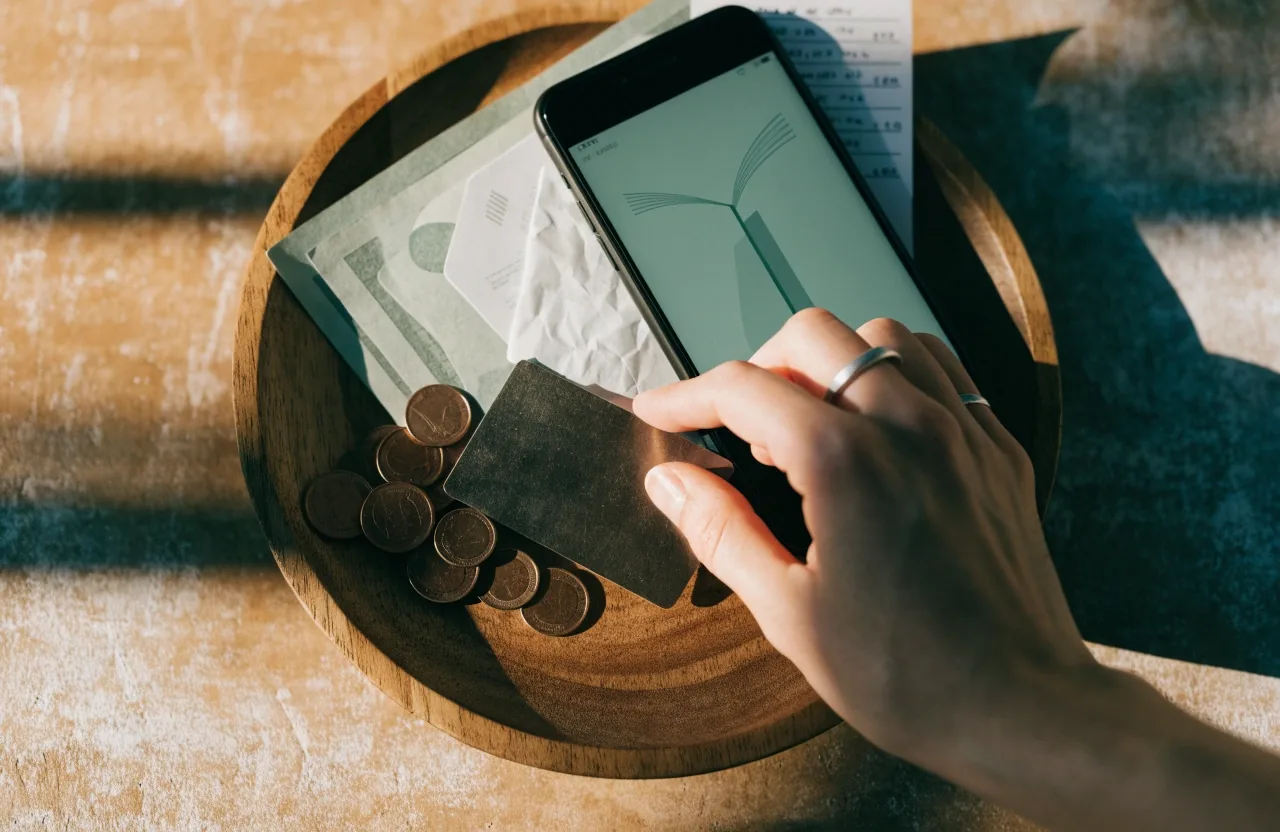
Seven days of small entries: train fares, coin lockers, vending machine drinks, supermarket totals.
After seven days, look for repeated small amounts. Those repeats are where a budget planner helps most — they are the numbers you can actually move, and they are the ones that keep appearing when you do not look. A few hundred yen at a vending machine twice a day adds up to a line the eye would otherwise miss entirely.
A workable seven-day setup
One app, one account, four to six categories. Name them the way your month actually moves: transit, groceries, vending and snacks, household, everything else. Do not rename them mid-week — you will do that in lesson three, and doing it now costs you a clean comparison later.
Lesson two
Tame recurring expenses early
List subscriptions, phone, insurance, transit passes and app charges in one place. Cancel or pause what you do not use, then set a monthly review date.
A monthly charge list, written out
One place, one page
-
Monthly
Phone and mobile data
Charged monthly, usually the same day each month.
-
Monthly
Transit pass renewal
Often renewed at the start of the commute month, not the calendar month.
-
Monthly
Streaming and app subscriptions
The easiest group to forget; the easiest group to pause.
-
Yearly or monthly
Home or renters insurance
Note the renewal month so it never lands as a surprise.
-
Monthly
Budgeting app subscription
Keep it if it is doing work; move it to the review list if it is not.
Kanma lists subscription tracking with detailed statistics, which shows why a dedicated view helps: a single screen of recurring charges is far easier to act on than the same amounts buried between everyday purchases. In Japan, card billing dates can shift how a month looks, so note charge dates alongside amounts and your monthly picture stops wobbling.
Lesson three
Read spending insights without rebuilding
Stable categories make monthly reports useful. Avoid renaming categories mid-month, and give any automatic categorisation a few weeks of supervision before you trust it.
If an app offers automatic categorisation — such as the AI transaction categorisation described by Moneytree — still review the first weeks by hand. Correcting a few entries early helps later insights group correctly, and a readable monthly report beats a detailed but inconsistent one every time.
The four rows below are the categories most households in Japan end up reviewing first. Consistency in each row matters more than the exact labels you choose.
Category consistency check
Seven days of entries
-
Transit and commuting
Stable
-
Groceries
Mostly stable
-
Small daily purchases
Mixed
-
Everything else
Needs a home
The rightmost column is not a score — it is how much the row will help you next month. A mixed row wants one tighter rule before you trust the report built on it.

Lesson four
Use the financial dashboard for one question
Open the dashboard to answer one question: can planned bills and card payments fit before next income? Custom notifications and spending periods, both listed by Moneytree, can support that check. If the dashboard shows assets, spending and cash flow together, focus on cash flow first — assets matter, but timing pays bills.
The question to ask before the month turns
-
Which bills and card payments are scheduled before the next income arrives?
-
What is coming in between today and that date, and does it cover them?
-
Which notifications would catch the shortfall earlier next month?
One question at a time is the whole trick. The dashboard stops being a scoreboard and becomes a check you actually finish.
Lesson five
Handle cash and cards together
Cash spending needs manual entry; cards and digital money may arrive through connections. Record cash the same day so the weekly total stays honest, and track credit card payments as their own line so cash flow does not surprise you.
Readers using iCloud sync across devices, as listed by Summo, should confirm entries sync before a shared review — otherwise the household is reviewing two different weeks.
Cash
Enter it while the change is still in your pocket. One line, one amount, one tap.
Cards
Keep the payment itself on its own line — the purchase date and the billed date are not the same day.

Lesson six
Weekly Kakeibo review in 15 minutes
Set a savings note, group spending, note one change for next week. Weekly and monthly reports, as listed by Kakeibo: Budget + AI, can structure that review. Keep the meeting short — consistency matters more than precision.
-
Write the savings note first
Before you look at the week, decide what you meant to save. The number anchors everything after it.
-
Group the week's spending
Four groups are enough for a weekly review; sorting into twelve costs the fifteen minutes you have.
-
Note one change for next week
One, written down, beats a list of five you will not read again. Sharing with family or friends helps most when everyone sees the same categories.
Lesson seven
Guardrails for overspending weeks
PocketGuard-style guardrail views show available spending money to support overspending prevention and cash-flow awareness. Use that number before discretionary purchases. If you use zero-based rules from YNAB-style planning, check assigned amounts instead. Either way, decide the limit before you are at the register.
The two schools answer the same question in different words: how much is genuinely free to spend right now? Pick the one whose number you can read at a glance and use it consistently — the guardrail only works if you look at it.
Lesson eight
When to switch apps
Switch when entry stays slow after two weeks, when categories cannot stay stable, or when card timing stays unclear. Do not switch because of a new chart. Export or note your categories first so history is not lost, and test one replacement with real Japan transactions for seven days.
Worth switching for
Slow entry that two weeks of practice has not fixed. Categories that keep drifting. Card timing still unclear.
Worth staying for
Entry that still works when you are busy. A report you actually read. A category list you can keep stable.
Keep going from where you are
These eight lessons are meant to be tried, not read once. Pick the one your month is asking for, run it for a week, and come back for the next.
Questions about how we look at apps and put these lessons together, or about working with Season Two ApS? Write to us — we answer Monday to Friday, 9:00 AM to 6:00 PM.
Where to go next
- App Comparisons Side-by-side notes on how the tools you meet in these lessons behave in daily use.
- Budgeting Methods Explained Kakeibo, zero-based rules and other approaches — what each one asks you to do.
- How We Evaluate Apps The criteria behind every comparison, and what we deliberately leave out.
- About Us Who writes the guides and why the editorial desk works the way it does.
Season Two ApS — Flæsketorvet 38B, 1711 København V, Denmark. Reach us at the contact page.